

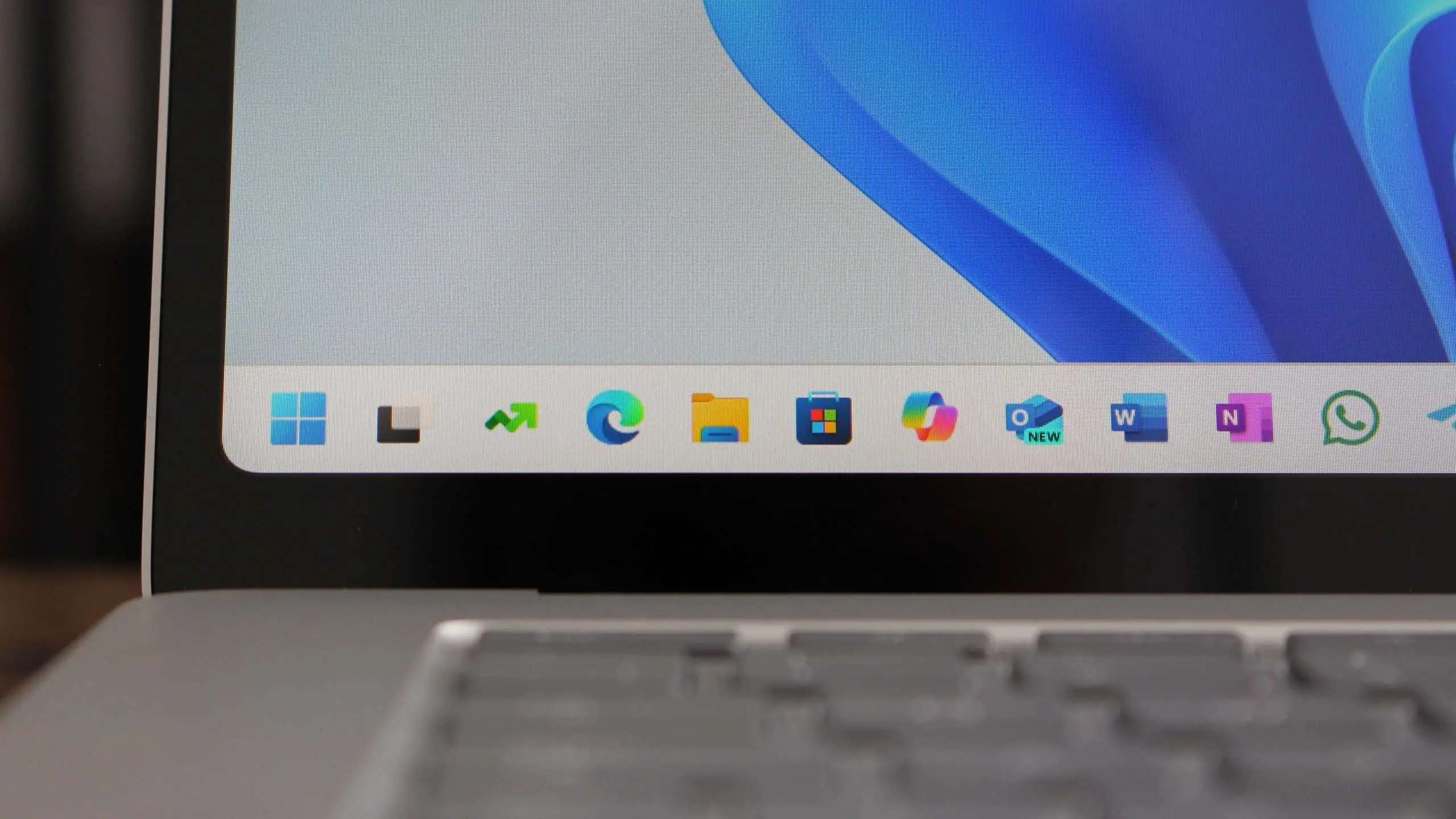
Microsoft continues to refine its flagship operating system with the upcoming Windows 11 version 25H2, a feature update that promises to deepen AI integration, strengthen security, and modernize the user interface. As the successor to version 24H2, this release is expected to roll out in late 2025, bringing a mix of incremental enhancements and groundbreaking capabilities. Here’s everything you need to know about Windows 11 25H2, from its rumored features to system requirements and deployment timelines.
What is Windows 11 version 25H2?
Windows 11 version 25H2 is the next feature update for Microsoft’s operating system, following the annual release cadence established with Windows 11. While Microsoft has not officially confirmed the version number, industry insiders and build leaks point to 25H2 as the designation for the second half of 2025. The update is expected to be delivered via the Windows Update service, with an optional preview available earlier for enthusiasts and IT administrators.
The update builds on the foundation of Windows 11 24H2, which introduced significant changes like the Copilot AI assistant, enhanced Snap Layouts, and improved security defaults. Version 25H2 aims to polish these features and introduce new ones, particularly those leveraging artificial intelligence. The push toward AI is part of Microsoft’s broader strategy to embed intelligent assistants into every aspect of the OS, from search to file management.
Key Features and Improvements
AI-Powered Enhancements
The headline feature of Windows 11 25H2 is the deeper integration of Microsoft Copilot. While Copilot debuted in 24H2, version 25H2 expands its capabilities with context-aware suggestions, proactive troubleshooting, and natural language control over system settings. For instance, users may be able to say “Organize my desktop by project” and have Copilot automatically arrange windows and virtual desktops.
Another AI-driven addition is “Recall,” a feature that uses on-device AI to create a searchable timeline of everything you’ve done on your PC, including documents, websites, and conversations. Recall debuted in the Windows 11 24H2 preview but was heavily revised due to privacy concerns. In 25H2, Microsoft is expected to introduce stricter local processing and encryption, storing timeline data entirely on the device and requiring user authentication before it can be queried.
Improved File Explorer and Desktop Customization
The File Explorer receives a modernized interface with a new details pane that shows file metadata, AI-generated tags, and integration with OneDrive and SharePoint. The context menu, a frequent source of criticism, is further streamlined with fewer third-party entries and faster rendering. Microsoft is also testing a “Gallery” view that uses AI to organize photos by face, location, or event, similar to the Windows Photos app.
Desktop customization gets a boost with dynamic wallpapers that adapt to time of day or user activity, and the return of Widgets with third-party support. Widgets in 25H2 will be resizable and can be pinned to the desktop, not just the taskbar. Live captions and voice access are improved, making the OS more accessible to users with disabilities.
Security and Compliance
Security remains a priority. Windows 11 25H2 enforces hardware requirements like TPM 2.0 and Secure Boot, but also introduces “Zero Trust” defaults for enterprise devices. New features include credential guard enhancements, a built-in phishing protection that flags suspicious password entries in browser forms, and mandatory use of Microsoft Defender for Endpoint for business editions. The update also simplifies BitLocker configuration with a new wizard and allows users to encrypt individual files without full device encryption.
For IT administrators, Windows 11 25H2 brings improved Windows Autopatch, which automates driver and firmware updates, and a new “Cloud PKI” feature that streamlines certificate management. Group Policy and Intune integration are deepened, allowing policies to be applied at the feature level rather than the entire update.
Release Date and Availability
According to Microsoft’s release pattern, Windows 11 version 25H2 is likely to begin rolling out in October or November 2025. The company typically targets a fall release for major feature updates, with the final build finalized in September. Enthusiasts can expect an Insider Preview (Beta and Release Preview channels) starting in early 2025, with the first public preview build possibly as early as March 2025.
The update will be distributed through Windows Update, but Microsoft may also offer an ISO download for clean installations. As with previous versions, Windows 11 25H2 will be a free upgrade for eligible devices running Windows 10 or Windows 11 22H2 and later. Devices that do not meet the strict hardware requirements—such as older CPUs without TPM 2.0—will remain on their current version.
System Requirements
Windows 11 25H2 is expected to maintain the same hardware requirements as Windows 11 24H2: a 1GHz dual-core processor (64-bit), 4GB RAM, 64GB storage, UEFI with Secure Boot, TPM 2.0, and a DirectX 12 compatible graphics card. However, some features like “Recall” may demand additional NPU (Neural Processing Unit) hardware for AI acceleration. Microsoft is working with Qualcomm, Intel, and AMD to ensure NPUs are standard in new PCs by 2025.
Users with older hardware that lacks TPM 2.0 or a supported CPU will not be able to upgrade via Windows Update, though workarounds exist for non-recommended installations. Enterprises running Windows 10 are advised to plan migrations before the Windows 10 end-of-support deadline in October 2025.
Deployment and Management
For IT pros, Windows 11 25H2 continues the “servicing stack” improvements that reduce update size and installation time. Microsoft is expanding the use of “feature update downloads” that only pull the changes from the previous version, decreasing bandwidth usage. The deployment tools Windows ADK, MDT, and Configuration Manager will be updated to support 25H2, along with the new “Windows Update for Business” policies.
Microsoft also plans to introduce “Intune-based feature update management” where administrators can target specific device groups for the 25H2 rollout, with compliance checks before installation. The new “Windows SE” (Secured-core) edition, already available in 24H2, will be extended to more device categories.
What’s Not Changing
Some aspects remain stable: the core Windows 11 UI—centered taskbar, redesigned Start menu, and rounded corners—persists, though with refinements. The Windows Subsystem for Linux (WSL) and Windows Sandbox continue to receive updates. The ability to run Android apps via the Windows Subsystem for Android (WSA) may be deprecated in 25H2, as Microsoft shifts focus to AI integrations. However, no official announcement has been made.
The Microsoft Store continues to evolve with support for more app types, including progressive web apps (PWAs) and games from third-party stores. The store’s performance and search have been improved in preview builds, making it easier to discover apps that support AI features.
Early Feedback and Known Issues
As of late 2024, early preview builds of Windows 11 25H2 (leaked through the Canary Channel) have shown stability improvements but also some bugs, including occasional File Explorer crashes and Bluetooth pairing issues. Microsoft is actively addressing these. The most polarizing feature remains the integrated ads in the Start menu (recommended apps) and the suggestions in File Explorer; Microsoft has faced criticism but says these are optional and can be disabled.
Privacy advocates have expressed concerns about the “Recall” feature, despite Microsoft’s assurances of local processing. The Electronic Frontier Foundation (EFF) has called for stronger encryption and user control. In response, Microsoft may include a feature toggle that disables Recall entirely in 25H2.
How to Prepare
Users and organizations planning for Windows 11 25H2 should start testing early by joining the Windows Insider Program. Check hardware compatibility with PC Health Check app and ensure devices meet the advanced feature requirements. Enterprises should update their Windows 11 deployment rings and pilot groups, and review any third-party apps that rely on deprecated APIs. Microsoft will release a “Windows 11, version 25H2 – Readiness Toolkit” closer to launch.
Backing up data before any major upgrade is always recommended. For those on Windows 10, the clock is ticking: after October 2025, only paid Extended Security Updates (ESU) will be available, making the free upgrade to Windows 11 25H2 a sensible choice for eligible hardware.
The Future of Windows 11
Windows 11 version 25H2 is more than a simple update; it represents Microsoft’s commitment to an AI-first operating system. The integration of on-device AI models, improved security, and a more intuitive user interface are designed to keep the OS relevant in a rapidly evolving tech landscape. While not every new feature will appeal to everyone, the overall direction is clear: smarter, safer, and more adaptable. As we approach the second half of 2025, Windows 11 25H2 will likely set the stage for the next generation of computing.
Source: Windows Central News